
If you have heard people talking about cutting the cord and switching to IPTV but are not sure what it actually means, you are in the right place. IPTV (Internet Protocol Television) is a method of delivering television content over the internet instead of through traditional cable or satellite signals. It has exploded in popularity over the past few years, and in 2026 it is one of the fastest-growing alternatives to expensive cable subscriptions worldwide.
How Does IPTV Work?
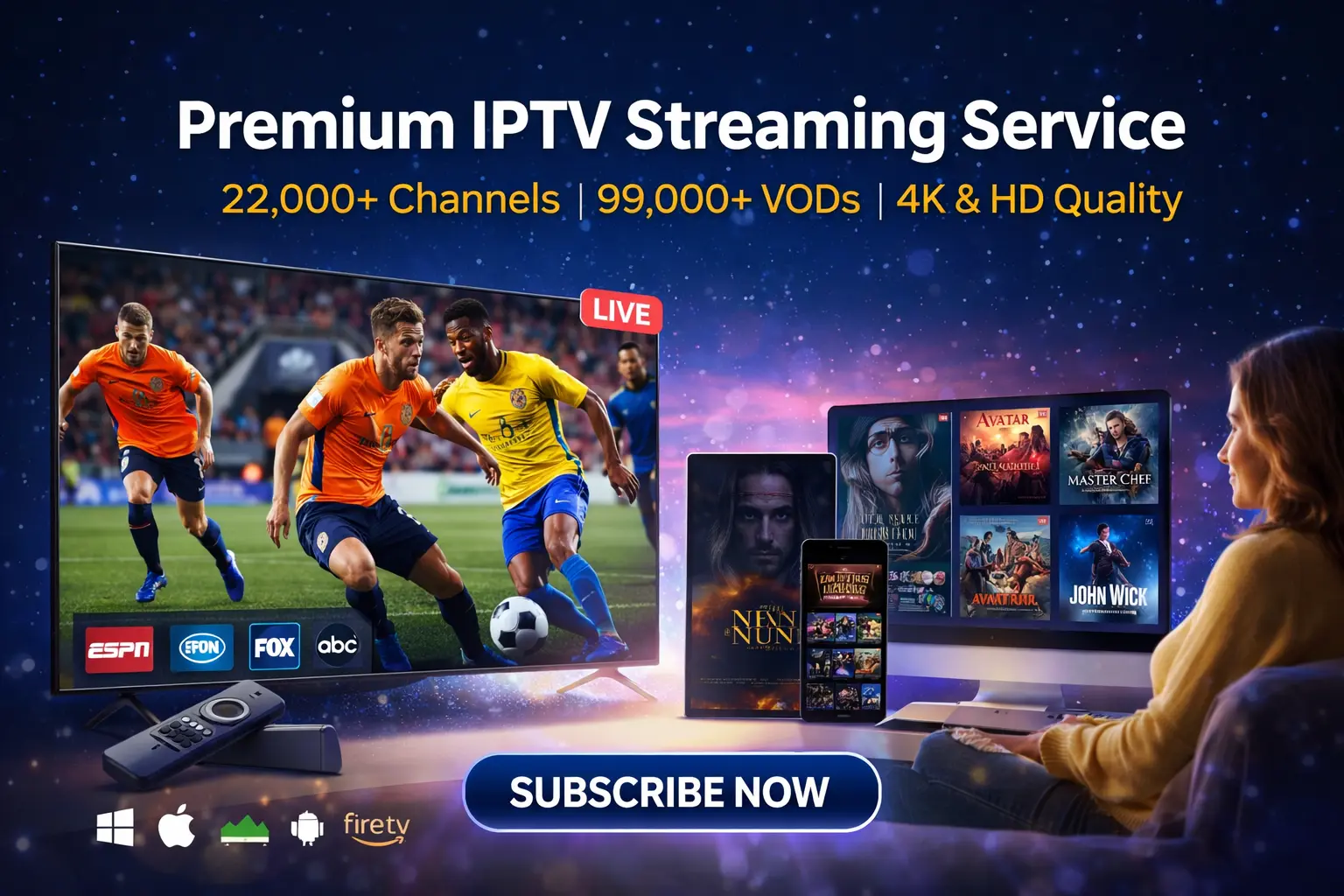
Traditional TV broadcasts content through radio waves (antenna), light pulses (fiber optic cable), or satellite signals. IPTV works differently — it uses your internet connection to stream television content directly to your device. When you select a channel or movie, the IPTV server sends that specific content to your device as a data stream, similar to how Netflix or YouTube delivers video.
The key difference between IPTV and platforms like Netflix is that IPTV delivers live television channels in addition to on-demand content. You get real-time access to news, sports, entertainment, and international channels — just like cable — but delivered entirely over the internet.
Types of IPTV Services
Live IPTV
This is the most popular form of IPTV. Live IPTV streams television channels in real time, exactly like traditional cable or satellite TV. You can watch news broadcasts, live sports events, talk shows, and entertainment channels as they air. Premium providers like Titan IPTV offer over 22,000 live channels from more than 100 countries.
Video on Demand (VOD)
VOD allows you to browse and watch movies, TV series, and documentaries whenever you want. Unlike live TV, VOD content is stored on servers and available for instant playback at any time. Titan IPTV includes a library of over 150,000 movies and TV shows with its subscription.
Catch-Up TV
Catch-up TV lets you watch programs that have already aired. If you missed a live broadcast, catch-up allows you to rewind and watch it within a set window — typically 24 hours to 7 days depending on the provider and channel.
What Do You Need to Use IPTV?
Getting started with IPTV requires just three things: a stable internet connection, a compatible device, and an IPTV subscription. Here is a breakdown of each requirement.
Internet connection
For standard definition channels, 10 Mbps is sufficient. For HD streaming, 15-25 Mbps is recommended. If you plan to watch 4K content or stream on multiple devices simultaneously, 50 Mbps or higher is ideal. Most modern home internet plans meet these requirements easily.
Compatible device
IPTV works on almost any internet-connected device. The most popular options include Amazon Firestick, Android TV boxes, Smart TVs (Samsung, LG, Sony), smartphones, tablets, laptops, and desktop computers. You can even use gaming consoles and MAG boxes. Check our full channel list to see what is available on each device.
IPTV subscription
You need an active subscription from an IPTV provider. This gives you login credentials (server URL, username, and password) that you enter into an IPTV app on your device. Titan IPTV plans start at $5.83 per month and include everything — live channels, VOD, EPG, and 5 device connections.
IPTV vs Cable vs Satellite: Key Differences
The biggest advantage of IPTV over cable and satellite is flexibility. Cable requires physical infrastructure and a set-top box tied to your TV. Satellite requires a dish and clear line of sight to the sky. IPTV works wherever you have internet — at home, at a hotel, or on your phone during a commute.
Cost is another major differentiator. The average cable bill exceeds $120 per month in the US, while a comprehensive IPTV subscription with 22,000+ channels costs a fraction of that. IPTV also offers far more international content, making it the preferred choice for expats, multilingual households, and sports fans who follow leagues in other countries.
What Is an IPTV App?
An IPTV app is the software you install on your device to watch IPTV content. Popular apps include TiviMate, IPTV Smarters Pro, Smart IPTV, and the native Titan IPTV app. These apps connect to your provider’s servers using your login credentials and display all your channels, VOD content, and EPG (Electronic Program Guide) in an easy-to-navigate interface.
Most IPTV apps support Xtream Codes login, M3U playlists, or both. When you subscribe to Titan IPTV, you receive credentials that work with any of these popular apps — so you can choose the interface you prefer.
Is IPTV Reliable?
Reliability depends entirely on two factors: your internet connection and your provider’s server quality. With a stable internet connection of 25 Mbps or more and a premium provider, IPTV is as reliable as cable — often more so, since it is not affected by weather conditions that can disrupt satellite signals.
Titan IPTV maintains 99.9% server uptime and uses anti-freeze technology that dynamically adapts to your connection speed. This means even if your internet fluctuates, the stream adjusts its quality to prevent buffering rather than freezing entirely.
How to Get Started with IPTV
Setting up IPTV takes less than 10 minutes. Choose a plan from a trusted provider, install an IPTV app on your device, enter your login credentials, and start watching. Titan IPTV offers instant activation — your credentials are delivered within minutes of purchase — and a 7-day money-back guarantee so you can try the service risk-free.
If you need help with installation, our step-by-step setup guide covers every device and app. And if you get stuck, our 24/7 customer support team is always available to walk you through the process.