
Choosing the right IPTV app can make or break your streaming experience. With hundreds of options on the market, finding one that delivers smooth playback, an intuitive interface, and reliable EPG support is not always easy. In this guide, we break down the best IPTV apps for Firestick, Android TV, Smart TV, and iOS in 2026 — and explain how each one pairs with a premium IPTV subscription service like Titan IPTV.
What to Look for in an IPTV App
Before diving into specific apps, it helps to know what separates a great IPTV player from a mediocre one. The key features to prioritize include EPG (Electronic Program Guide) support, multi-format playlist compatibility (M3U and Xtream Codes), buffer management, catch-up TV, and parental controls. A good app should also receive regular updates and offer responsive customer support.
All the apps listed below support the Xtream Codes API, which means they work perfectly with Titan IPTV’s full feature set, including anti-freeze technology and 7-day EPG.
Best IPTV Apps for Amazon Firestick
1. TiviMate — Best Overall for Firestick
TiviMate is widely considered the gold standard for IPTV on Firestick. It offers a clean, modern interface with full EPG grid view, catch-up support, multi-playlist management, and picture-in-picture mode. The premium version unlocks recording features and automatic playlist updates. If you own a Firestick, TiviMate should be your first choice.
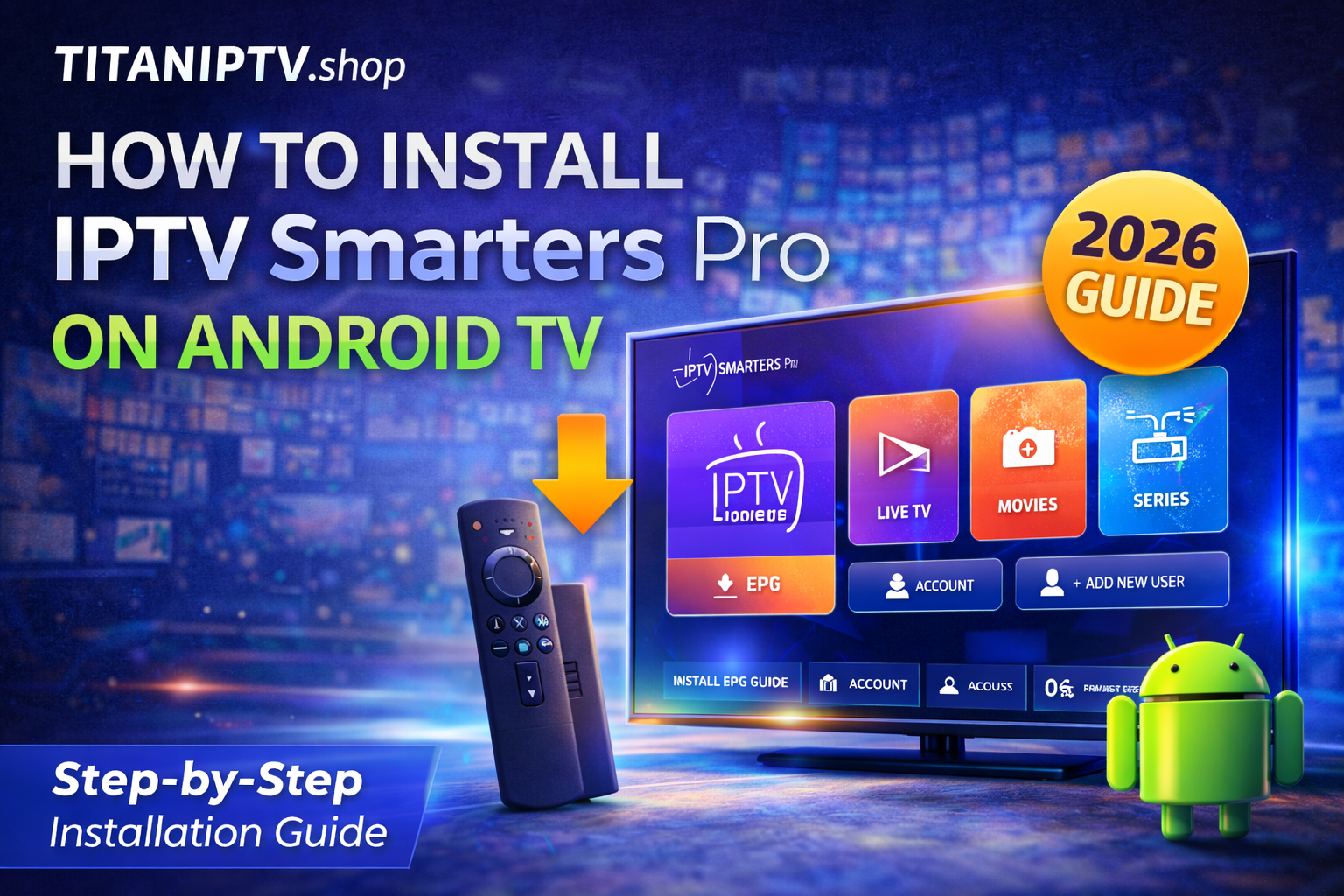
2. IPTV Smarters Pro
IPTV Smarters Pro supports both Xtream Codes login and M3U URLs. It has a user-friendly layout, built-in EPG, parental locks, and works well on lower-powered Firestick models. Setup takes under two minutes with your Titan IPTV credentials.
3. Downloader + Titan IPTV App
If you prefer a dedicated experience, you can sideload the official Titan IPTV app directly using the Downloader app from the Amazon App Store. This gives you native anti-freeze streaming, EPG, and automatic updates built for Firestick hardware. Check our setup guide for step-by-step instructions.
Best IPTV Apps for Android TV and Google TV
1. TiviMate (Android TV Version)
TiviMate is equally impressive on Android TV boxes like the Nvidia Shield, Chromecast with Google TV, and Mi Box. The Leanback interface is optimized for remote control navigation, and the app handles 4K streams without issues when paired with a reliable IPTV provider.
2. OTT Navigator
OTT Navigator offers advanced playlist management, multi-account support, and detailed stream statistics. It is excellent for users who want granular control over their IPTV experience. The app supports external video players like MX Player and VLC for additional codec compatibility.
Best IPTV Apps for Samsung and LG Smart TVs
1. Smart IPTV (SIPTV)
Smart IPTV remains one of the most popular apps for Samsung Tizen and LG webOS televisions. After a one-time activation fee, it runs natively on your Smart TV without needing any external device. Simply upload your M3U playlist URL through the SIPTV web portal and you are ready to stream.
2. IPTV Smarters (Smart TV Edition)
Available directly from Samsung and LG app stores, IPTV Smarters offers Xtream Codes login, EPG support, and a clean category-based layout. It is free to download and works immediately with your Titan IPTV subscription.
Best IPTV Apps for iPhone and iPad
1. IPTV Smarters Pro (iOS)
The iOS version of IPTV Smarters Pro delivers the same functionality as its Android counterpart. It supports AirPlay for casting to Apple TV, Picture-in-Picture mode, and Face ID authentication. Available free on the App Store.
2. GSE Smart IPTV
GSE Smart IPTV is a powerful player for iOS with Chromecast support, built-in subtitle integration, and a robust EPG viewer. It handles both live channels and VOD content seamlessly.
Best IPTV Apps for Windows and Mac
For desktop streaming, VLC Media Player is free and handles M3U playlists natively. On Windows, MyIPTV Player from the Microsoft Store offers a TV-style interface with EPG. Mac users can try IINA, a modern media player with excellent codec support. All three work with Titan IPTV’s M3U playlist URL.
How to Set Up Any IPTV App with Titan IPTV
Regardless of which app you choose, the setup process follows the same steps. After purchasing a Titan IPTV plan, you will receive your login credentials via email within minutes. Open your chosen IPTV app, select the Xtream Codes login option, and enter your server URL, username, and password. Within seconds, you will have access to 22,000+ live channels and 150,000+ VODs.
Which IPTV App Should You Use?
For most users, TiviMate is the best all-around choice on Firestick and Android TV. If you own a Samsung or LG Smart TV, Smart IPTV or IPTV Smarters will serve you well. On iOS, IPTV Smarters Pro leads the pack. And if you want the most seamless experience, the native Titan IPTV app provides built-in anti-freeze technology and automatic updates designed specifically for our service.
No matter which app you pick, the quality of your IPTV experience depends heavily on your provider. With Titan IPTV, you get 4K and HD streaming, buffer-free anti-freeze technology, 5 simultaneous connections, and 24/7 customer support — all starting at just $5.83 per month.